Organizations
Create an organization
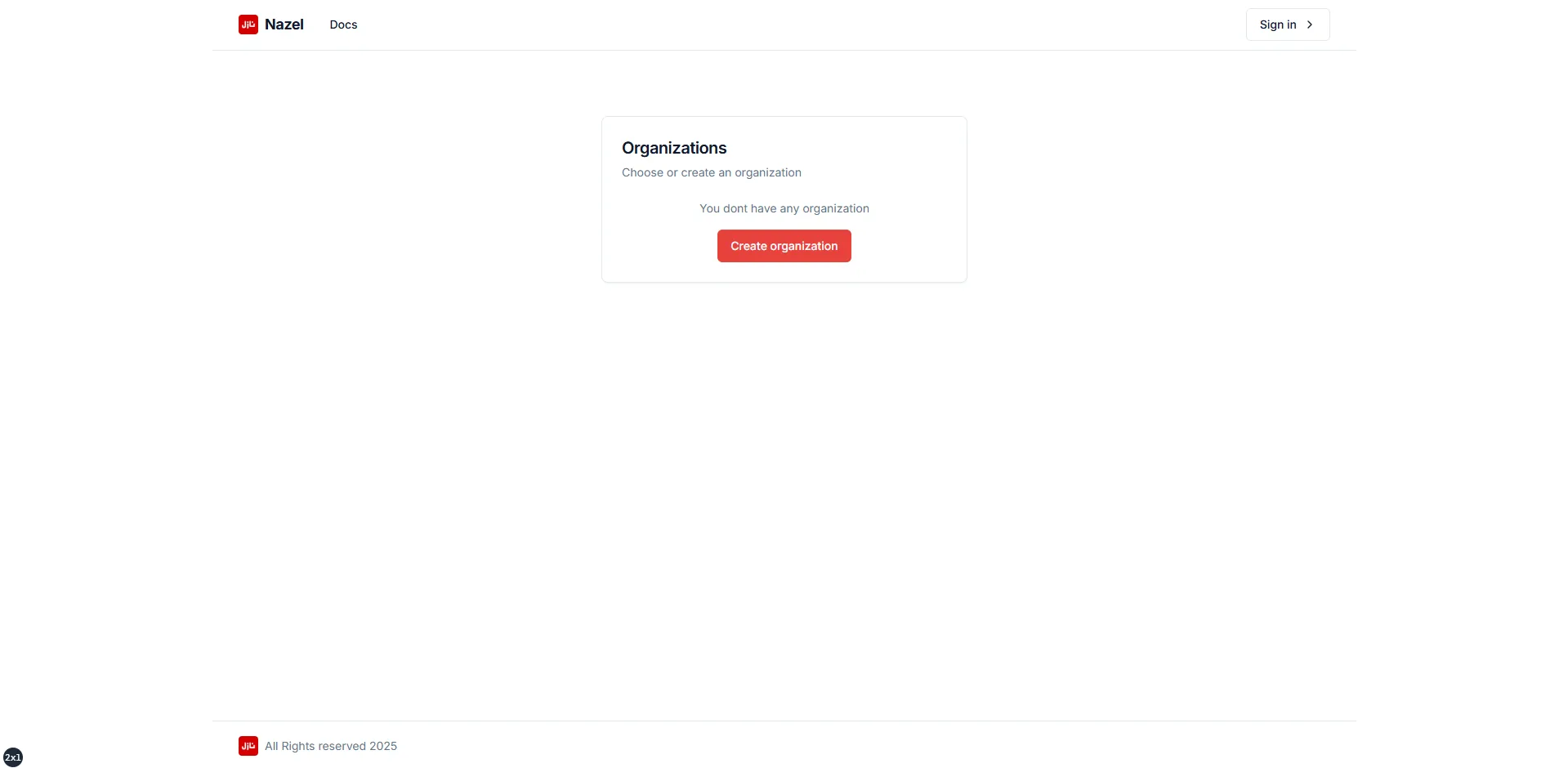
Section titled “Create an organization”After the initial sign in process, it’s required to create an organization which will be used to perform actions with Nazel.
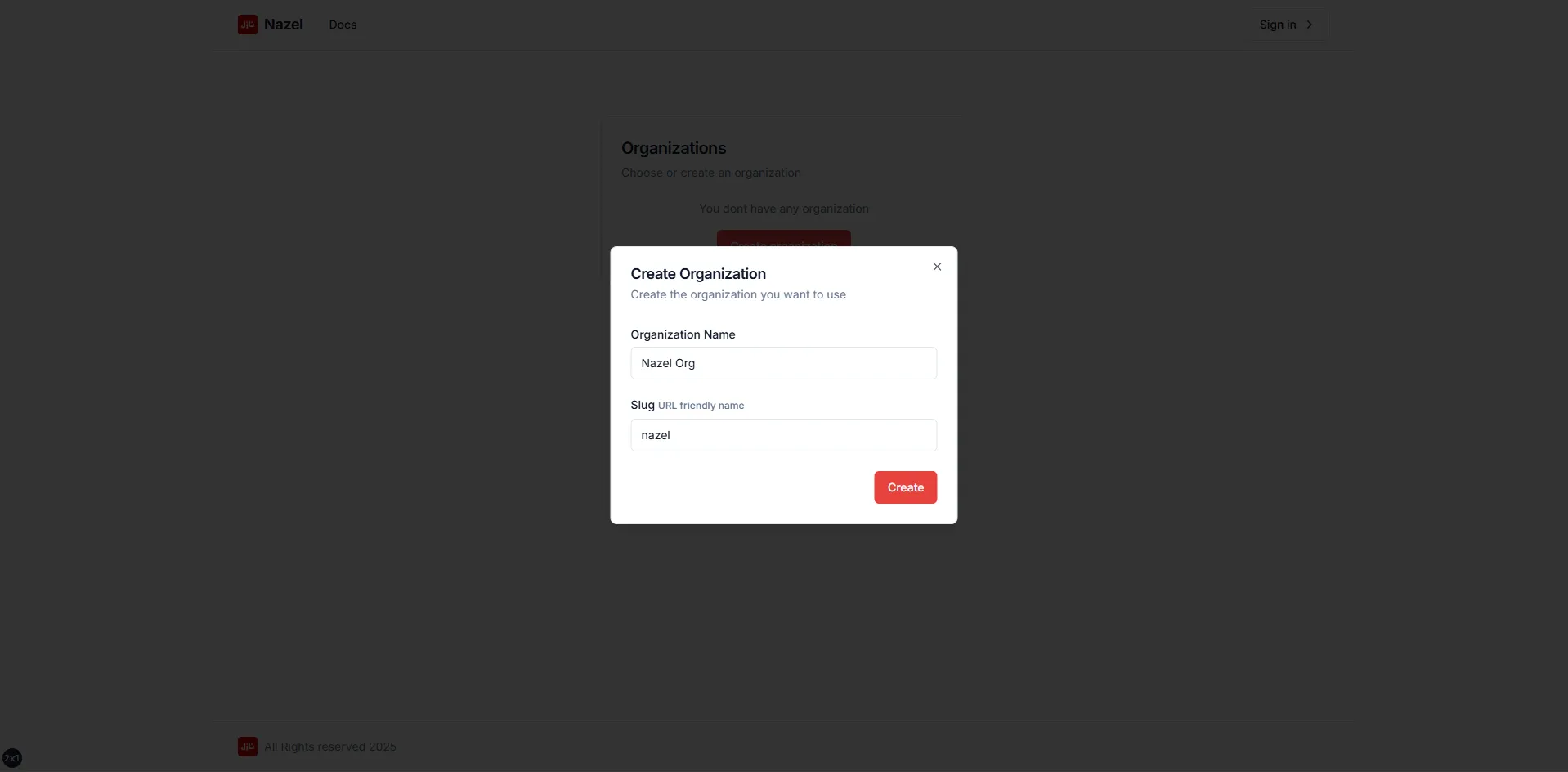
On creating an organization, a prompt windows will be shown to add the organization name and a URL friendly name.
Manage Organizations
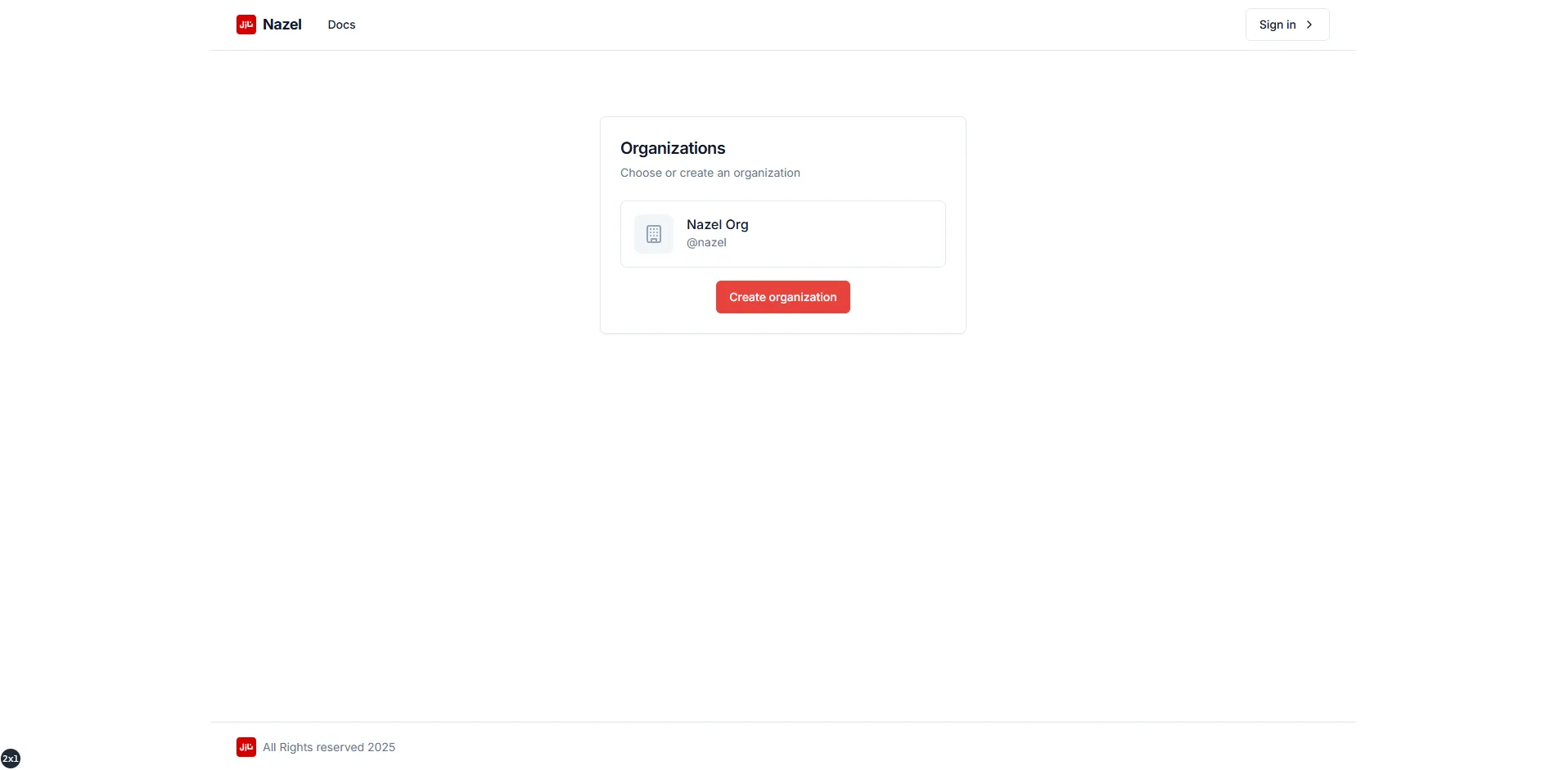
Section titled “Manage Organizations”If there’re already some created organizations, they will be shown as the image and user can select an organization which is targeted to be managed.